
Are you overprovisioning your Aurora clusters just to keep latency in check? Most DevOps teams struggle with spiraling cloud costs while fighting slow queries, yet the secret to high-performance databases lies in systematic tuning rather than just throwing more hardware at the problem.
Systematic diagnostics: Monitoring the golden metrics
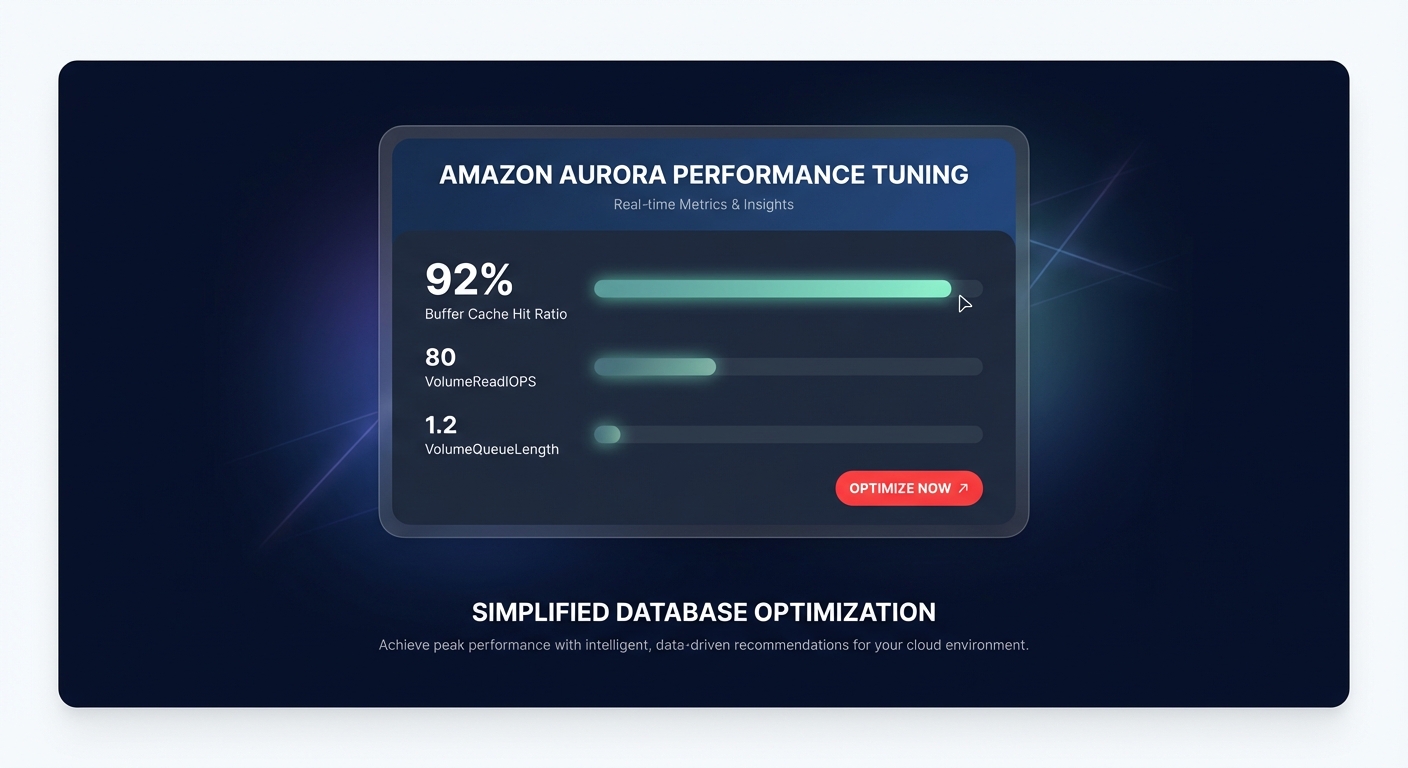
To diagnose performance issues in Amazon Aurora, you must move beyond basic CPU utilization and focus on the interaction between memory and I/O. The most critical metric for any Aurora engineer is the BufferCacheHitRatio. For optimal performance, this should remain consistently above 90%. When this ratio drops, the engine is forced to fetch data from the storage layer, leading to a spike in VolumeReadIOPS and increased latency.
A healthy Aurora environment should maintain stable VolumeReadIOPS, ideally staying under 100 during normal operations. If you see this metric climbing alongside high storage response times and latency, your database is likely storage bound. You can use comprehensive CloudWatch application monitoring to correlate these storage spikes with specific application-side requests.
Furthermore, you should pay close attention to VolumeQueueLength. For high-performance databases, this metric should hover near 1; anything consistently above 10 indicates a severe I/O bottleneck that will degrade the user experience. Leveraging Hykell’s observability tools can help you visualize these metrics across your entire fleet, providing the necessary context to separate transient spikes from systemic architectural flaws.
Query optimization and indexing strategies
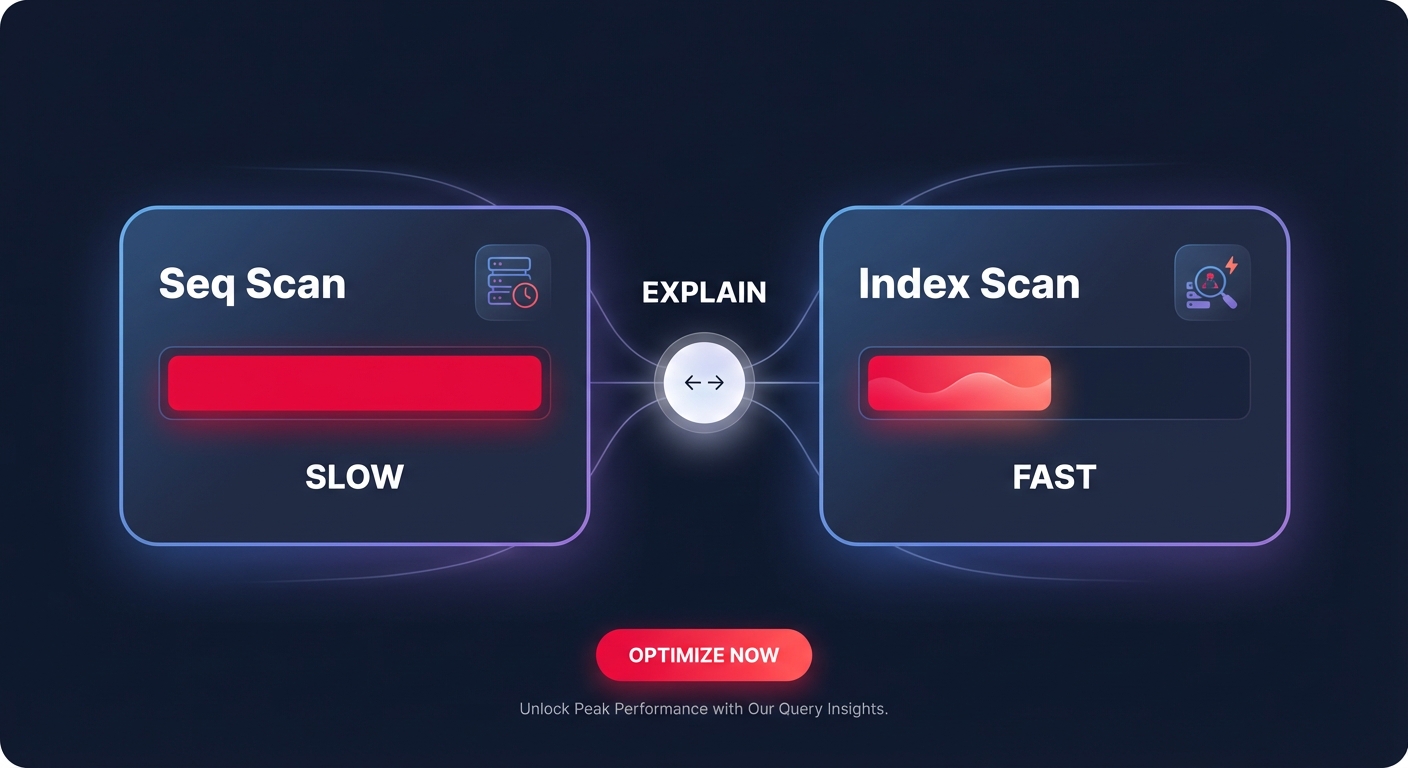
The most common cause of slow Aurora performance is often inefficient SQL rather than underlying hardware limitations. You should use the EXPLAIN command to analyze query execution plans and identify sequential scans that should be replaced with index scans. While creating indexes for frequently used WHERE, JOIN, and ORDER BY clauses is essential, tuning AWS RDS MySQL performance requires a delicate balance. Over-indexing may speed up reads, but it creates heavy overhead for write operations, particularly in high-throughput clusters.
For PostgreSQL workloads, consider using materialized views for complex, frequently run analytical queries. This pre-computes the results and can dramatically reduce the load on the primary instance. When identifying which queries to target, Performance Insights is your most valuable tool. It allows you to analyze wait events to see exactly where the database is spending time, whether it is waiting for disk I/O, CPU cycles, or locking contention.
Key engine parameters for MySQL and PostgreSQL
Fine-tuning engine parameters is where you bridge the gap between out-of-the-box settings and a production-grade environment. Optimization extends beyond the query layer and into the database engine itself:
- MySQL Memory Management: The innodbbufferpool_size should generally be set to 70–80% of the available instance memory to maximize your cache hit ratio and minimize disk access.
- PostgreSQL Log Management: Managing the Write-Ahead Log (WAL) is vital. Use the maxslotwalkeepsize parameter to help prevent storage-full conditions during heavy replication lag by automatically rotating logs.
- Replication Safeguards: If you are managing RDS read replicas and scaling traffic, you can use the recoveryminapply_delay parameter to create a controlled delay. This is an excellent safeguard against accidental data deletion, allowing you up to 24 hours to recover data before the error replicates.
- Transaction Limits: For clusters with binary logging enabled, you should keep inserts per transaction below 1 million to avoid out-of-memory errors that can crash your primary instance.
Scaling patterns and architectural best practices
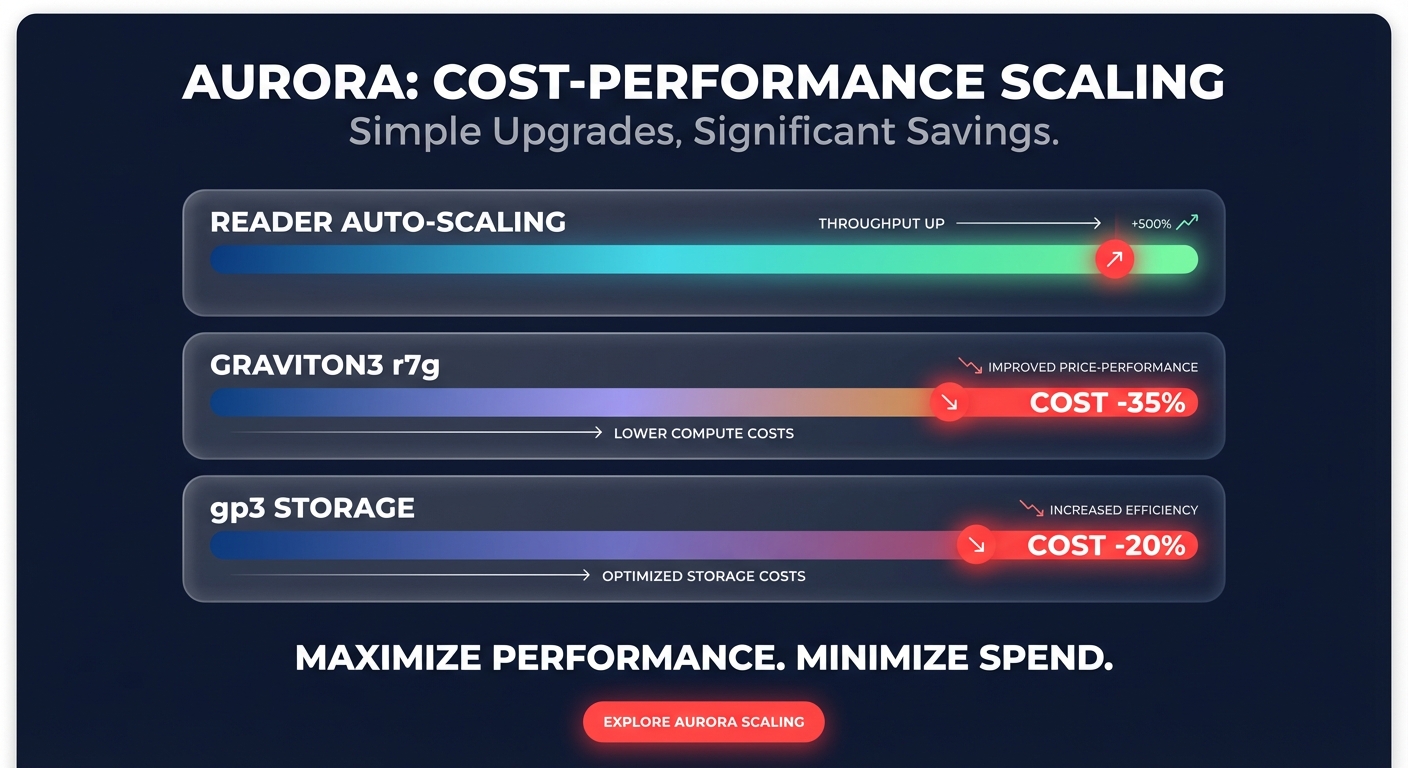
Aurora’s architecture is unique because the primary and replicas share the same underlying storage volume. This virtually eliminates network replication overhead, allowing for near-instantaneous scaling compared to traditional RDS setups. To handle bursty read traffic without the cost of a larger primary instance, you should implement reader auto-scaling. This ensures you only pay for additional capacity when traffic warrants it, which aligns with standard AWS auto scaling best practices.
Migrating to Graviton3-based instances, such as the r7g family, is one of the most effective ways to optimize for both performance and cost. PostgreSQL databases migrated to ARM-based Graviton instances have shown a 35% cost reduction while maintaining or even improving query performance. For read-heavy workloads, you should also enable RDS Optimized Reads, which leverages local NVMe-based instance storage to process queries up to 2x faster.
Balancing performance with cost-efficiency
Achieving high performance should not require a blank check. One of the simplest cost-saving measures is migrating from gp2 to gp3 volumes. Modernizing your storage tier can reduce costs by approximately 20% while providing a baseline of 3,000 IOPS and 125 MiB/s regardless of volume size. This decoupling of performance from capacity is essential for smaller databases that require high throughput without the need for massive storage footprints.
To maintain a lean infrastructure, you must avoid the trap of over-provisioning larger instances than necessary, especially in development and staging environments. Many teams find that right-sizing their instances based on several weeks of CloudWatch data can cut compute expenses by 35% without impacting application SLAs.
Optimizing Amazon Aurora is a continuous process of balancing resource utilization with application demand. By focusing on your buffer cache, tuning your most expensive queries, and leveraging Graviton-based compute, you can build a database that is both resilient and cost-effective. If you are looking to maximize your Aurora efficiency without the manual engineering grind, Hykell provides automated AWS rate optimization that can reduce your cloud costs by up to 40%. We only take a slice of what you save – if you don’t save, you don’t pay. Get a free cost audit today to see how much your Aurora cluster could be saving you.

