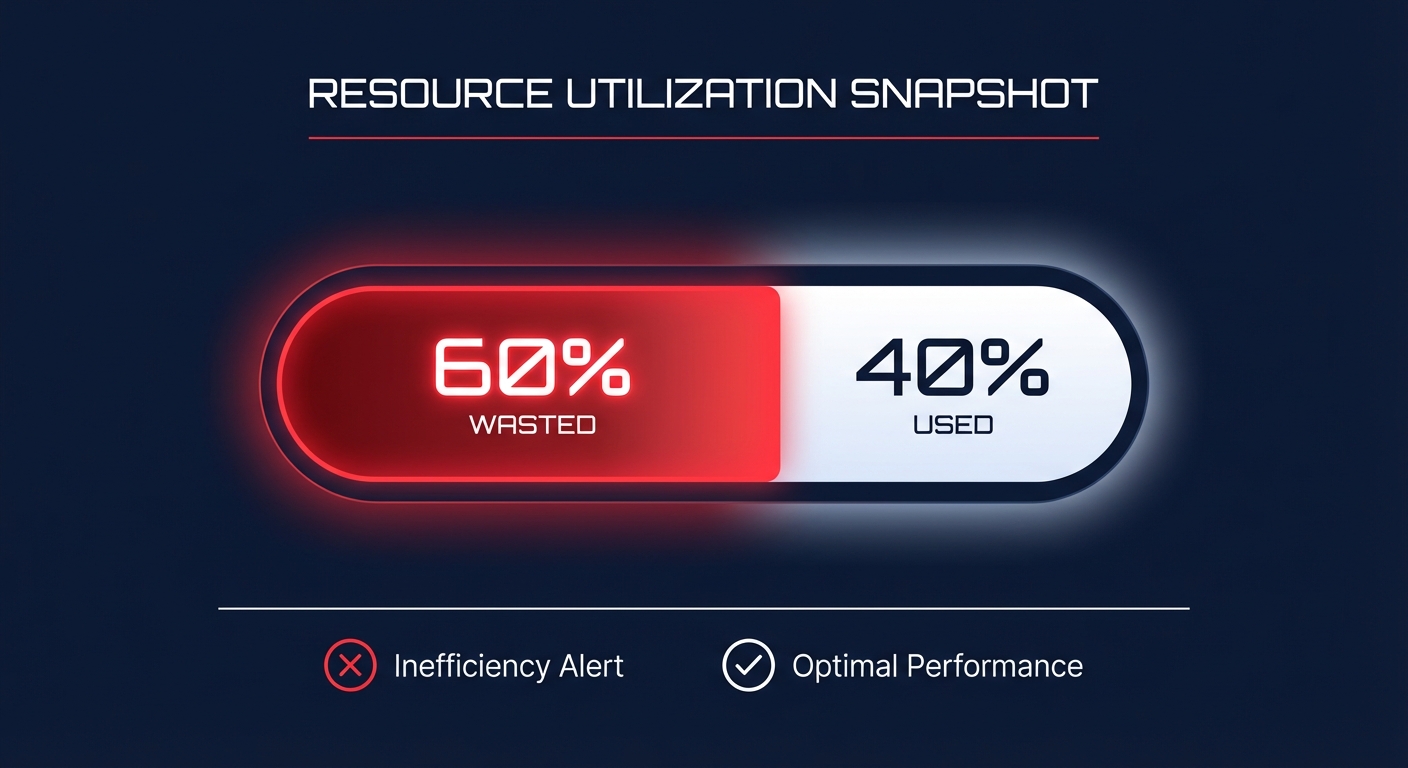
Is nearly 60% of your AWS compute budget paying for “just in case” capacity? Most environments run at a meager 30–40% utilization. By matching resources to actual demand, you can reduce your AWS bill by up to 40% while maintaining peak performance.
Why rightsizing is the foundation of FinOps
Many engineering teams provision oversized instances because they fear performance degradation during traffic spikes. However, industry data shows that 40% of EC2 instances sit below 10% CPU utilization even during peak hours. This gap represents pure waste, yet it persists because manual audits are slow and data-intensive.
Rightsizing should always be your first step before committing to AWS Rate Optimization. If you purchase a Savings Plan for an over-provisioned instance, you effectively lock in that waste for one to three years. By leaning out your footprint first, you ensure your commitment discounts apply only to necessary, efficient capacity.
Strategies for rightsizing EC2 instances
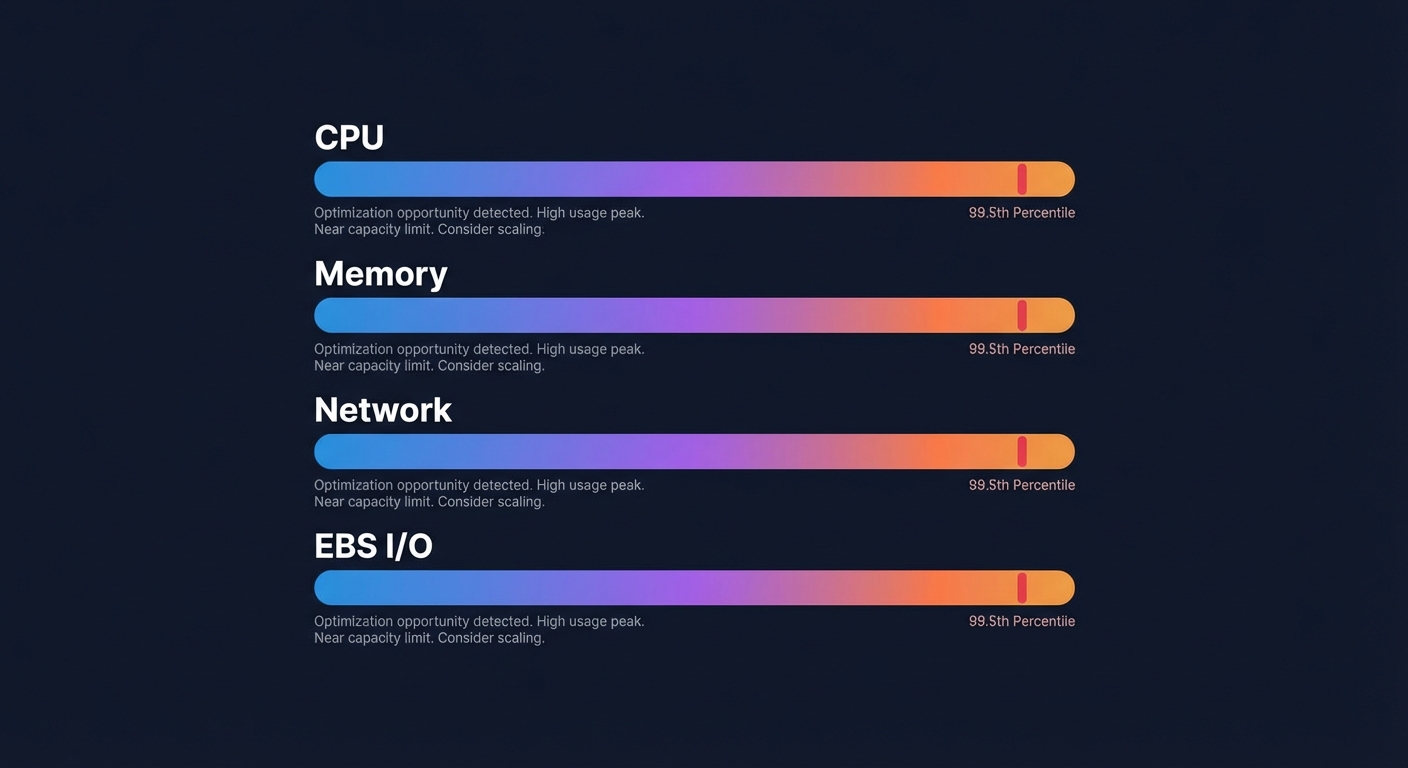
To rightsize effectively, you must move beyond simple average CPU metrics. A comprehensive resource rightsizing strategy analyzes four key dimensions: CPU, memory, network throughput, and EBS I/O.
Identify downsizing candidates
AWS Compute Optimizer typically flags instances as candidates for downsizing if they show less than 40% utilization over a trailing four-week period. To mitigate performance risks, you should use P99.5 utilization thresholds. This ensures that even the highest recorded spikes are covered by the new instance type. For example, moving a memory-heavy workload from a t3.xlarge to an r6g.large can help you achieve AWS EC2 cost optimization goals by yielding 40% savings while providing resources better suited for the task.
Modernize your architecture
Efficiency often comes from moving to a better family rather than just a smaller size. Upgrading from older generations to latest-generation instances usually delivers a 15–25% performance boost per vCPU. Furthermore, migrating to AWS Graviton instances can offer up to 40% better price-performance over comparable x86-based instances.
Handle Auto Scaling Groups (ASGs)
Rightsizing ASGs is complex due to dynamic instance turnover. Instead of analyzing instances individually, you must examine the aggregate resource consumption of the entire group. Utilizing automated cloud cost management services allows you to keep your ASG baseline lean while ensuring scaling policies remain responsive to bursts.
Optimizing EBS volumes for hidden savings
Storage often represents up to 30% of the total cloud bill, yet it is frequently overlooked during cost audits. Systematic EBS rightsizing can reduce storage costs by up to 50% for organizations that have historically over-provisioned volumes.
- Migrate gp2 to gp3: Moving to gp3 volumes provides an immediate 20% lower base cost per GB. As detailed in AWS EBS best practices, gp3 allows you to decouple IOPS and throughput from storage capacity, eliminating the need to provision massive volumes just to reach performance targets.
- Eliminate orphaned volumes: Organizations frequently accumulate “zombie” volumes – unattached storage left over from terminated instances. In one case, an e-commerce company discovered over 200 orphaned volumes, saving $4,000 per month simply by cleaning them up.
- Rightsize provisioned IOPS: Many teams provision high IOPS for databases that rarely utilize them. Dialing back these performance settings to match actual P99 demand can significantly reduce your monthly storage spend.
The risk-free rightsizing workflow
The primary barrier to rightsizing is the fear of breaking production. To mitigate this risk, you should follow a structured cloud cost audit and implementation workflow that prioritizes stability.
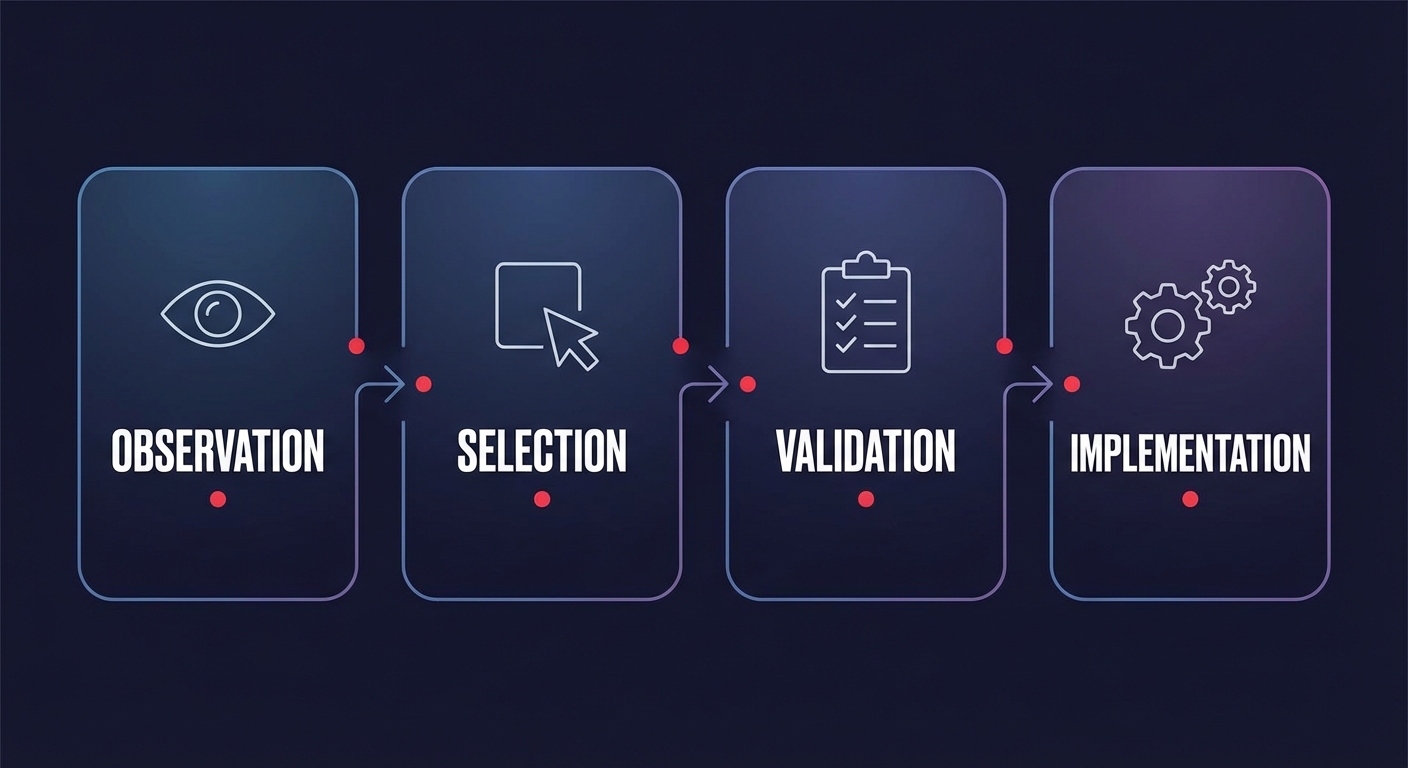
- Observation: Gather at least two to four weeks of performance data. Ensure you use the CloudWatch agent to capture memory metrics, as these are not visible by default in standard AWS metrics.
- Selection: Refer to an EC2 instance type selection guide to match your workload’s specific profile, whether it is compute-optimized, memory-optimized, or balanced.
- Validation: Test the recommended instance size in a staging environment under a simulated production load to verify there is no latency impact.
- Implementation: Schedule changes during standard maintenance windows. Set CloudWatch alarms for high CPU or Amazon EBS latency to trigger an immediate rollback if performance deviates from the baseline.
Automating rightsizing with Hykell
Manual rightsizing is a losing battle in a dynamic cloud environment. By the time an engineer performs an audit and implements a change, the workload’s demands have often shifted. This “bandwidth constraint” is why most teams leave 30% or more of their potential savings on the table.
Hykell solves this by putting your AWS cost optimization on autopilot. The platform provides continuous analysis of EC2 and EBS usage patterns, executing rightsizing adjustments and storage migrations automatically. This eliminates the ongoing engineering burden and ensures your infrastructure is always perfectly matched to your needs.
With Hykell’s observability tools, you can track your Effective Savings Rate (ESR) in real-time and validate the impact of every optimization. Best of all, Hykell operates on a performance-based pricing model: you only pay a slice of what you actually save. If the platform does not find savings, you do not pay.
See how much your team can reclaim from your AWS budget by starting a free cloud cost analysis today.