
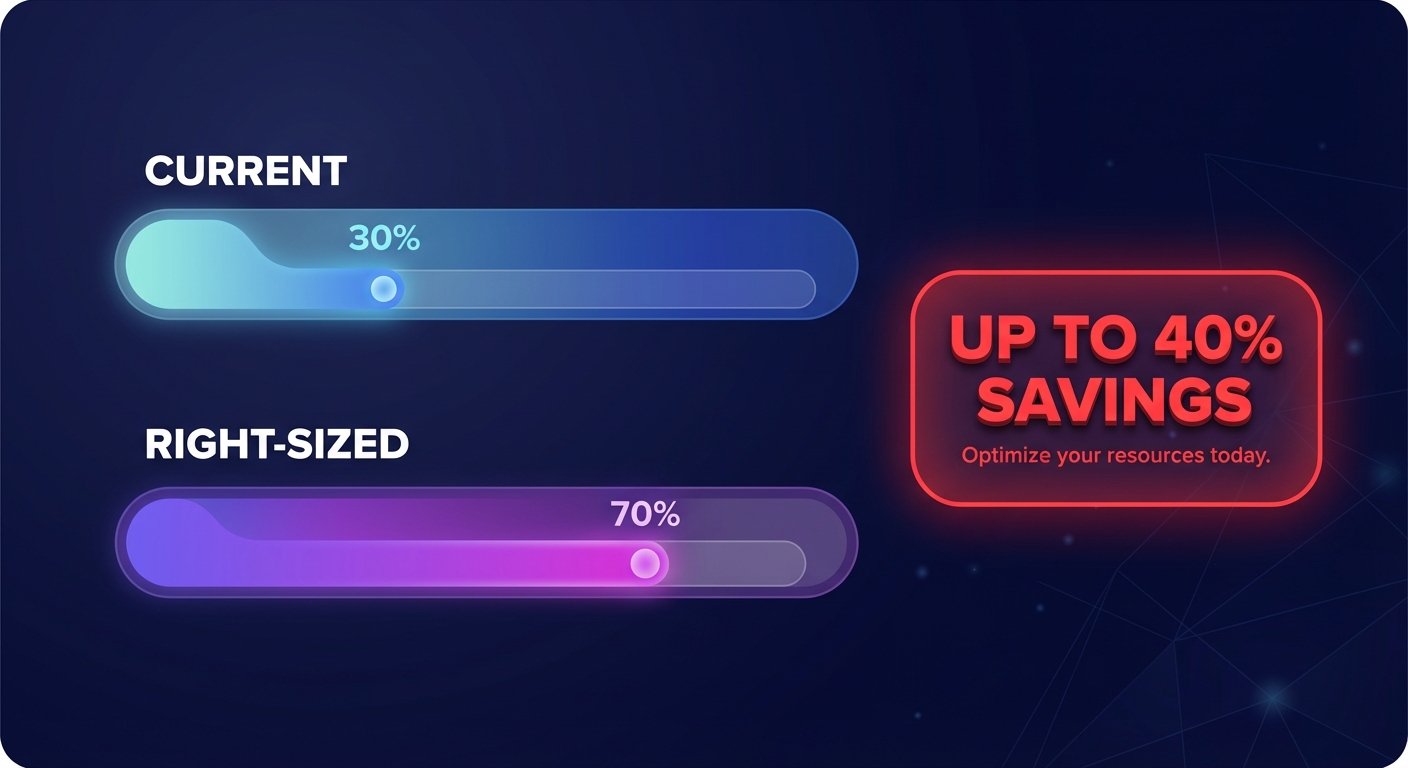
Your AWS environment likely runs at a meager 30% utilization. If you are paying for massive “safety buffers” that never get used, you are not alone. Reclaim 40% of your cloud budget by moving beyond manual audits to automated, autopilot rightsizing.
Why manual rightsizing fails at scale
For most engineering leaders, rightsizing is often a reactive exercise performed only when a monthly bill triggers an alarm. The fundamental problem is that cloud workloads are dynamic, with resource needs changing weekly or even daily. Manual audits become obsolete the moment they are completed. To avoid the risk of performance bottlenecks, engineers frequently maintain 30–50% safety buffers, preferring to overspend rather than risk a production outage.
This manual approach is also incredibly data-intensive. Making a safe rightsizing decision requires a deep dive into at least two to four weeks of CPU, memory, and IOPS data to account for cyclical usage spikes. Most DevOps teams lack the bandwidth to perform this level of analysis across hundreds or thousands of instances consistently. This is where automated cloud cost management transforms from a luxury into a business necessity.
Leveraging AWS Compute Optimizer as your data engine
AWS Compute Optimizer serves as the native starting point for identifying waste across your infrastructure. This tool uses machine learning to analyze CloudWatch metrics and categorizes resources as optimized, over-provisioned, or under-provisioned. While the tool is powerful, it is primarily an advisory service; it identifies the problem but requires you to take the action.
To get started with native insights, you must first opt-in through the Compute Optimizer console. For these insights to be accurate, you should ensure the CloudWatch agent is installed on your EC2 instances to collect memory metrics, as the service cannot see memory usage by default. After allowing the system to collect at least 14 days of data, you can review high-confidence recommendations for instance type swaps, such as moving from a general-purpose m5.2xlarge to a compute-optimized c5.xlarge.
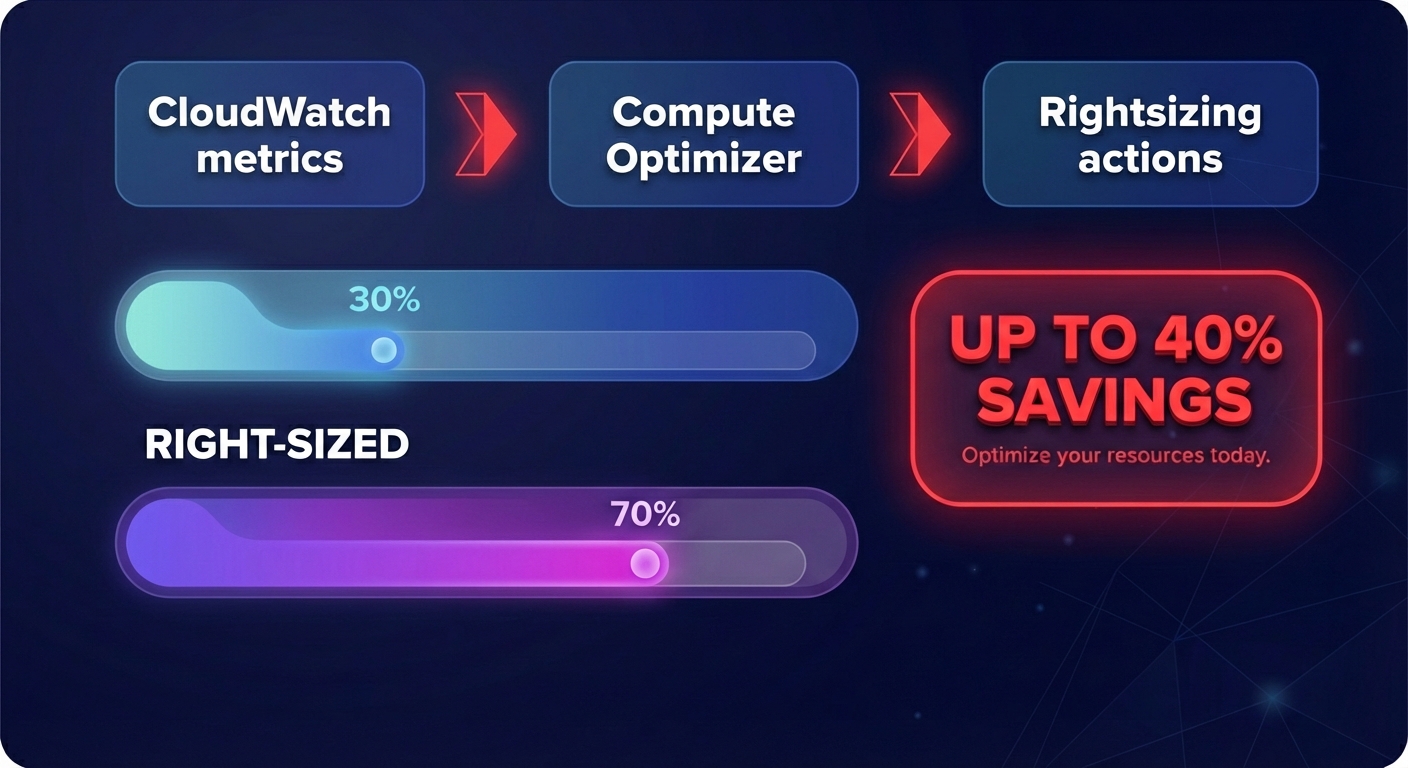
Automated EC2 and EBS optimization workflows
Storage and compute optimization must go hand-in-hand to maximize efficiency. Since storage often accounts for up to 30% of a total cloud bill, automated EBS and EC2 optimization is essential for reaching that 40% total reduction target.
- Automation tools identify instance downsizing candidates by looking for resources where P99 utilization remains consistently low.
- Migrating memory-intensive applications from a t3.xlarge to an r6g.large can lead to a potential savings of 40% while improving performance through modern architecture.
- The transition from gp2 to gp3 storage is one of the fastest ways to save money, as gp3 is approximately 20% cheaper than gp2 per GB and allows you to decouple IOPS performance from storage size.
- Continuous automation can also eliminate “zombie” resources, such as unattached EBS volumes that persist after an instance is terminated, by taking a final snapshot and deleting the idle disk.
Automating Kubernetes (EKS) for maximum density
Kubernetes is designed for elasticity, yet it frequently leads to resource sprawl where clusters are littered with underutilized nodes. Effective Kubernetes optimization on AWS requires balancing pod rightsizing with intelligent node scaling.
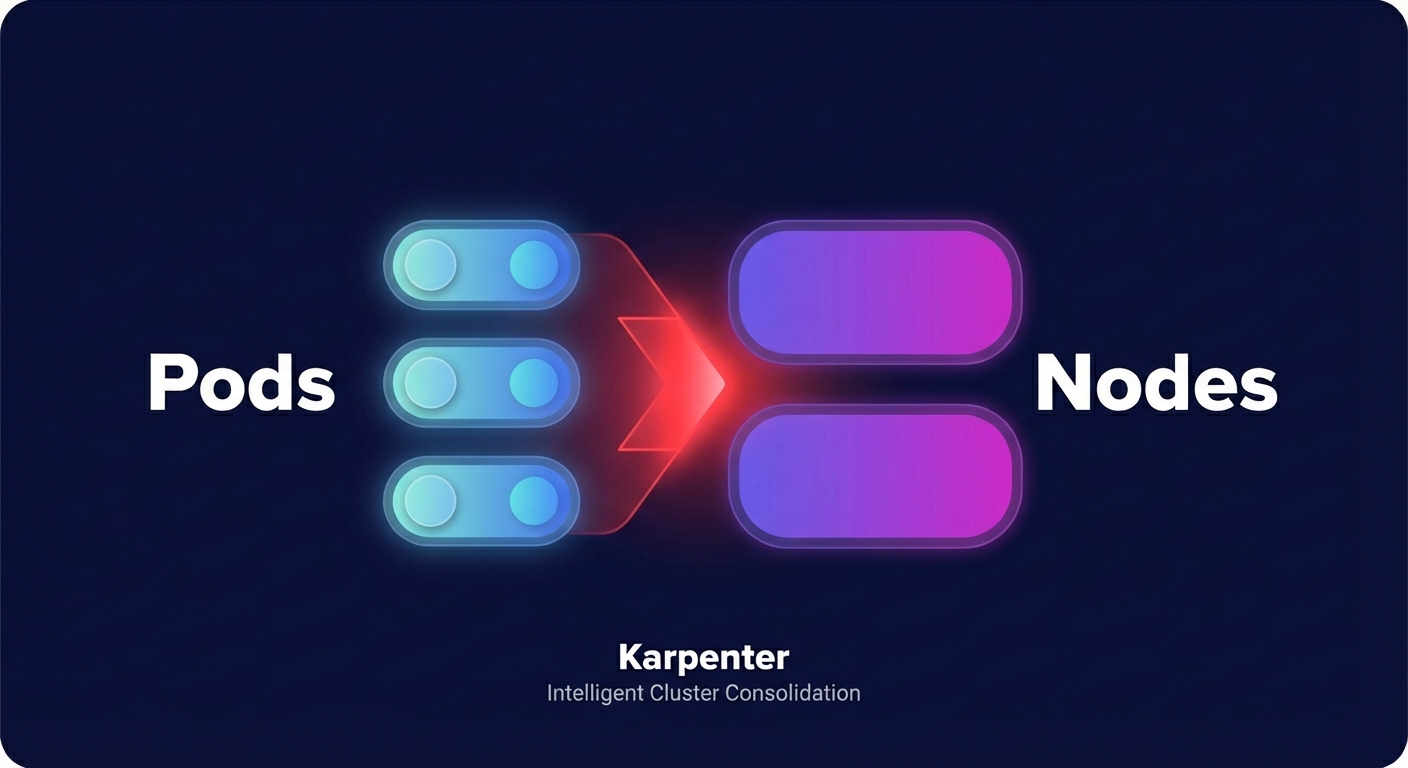
Modern tools like Karpenter have improved this process by enabling real-time node selection. Instead of relying on static node groups, Karpenter analyzes pending pods and provisions the exact instance type required, frequently prioritizing AWS Graviton instances for their superior price-performance. By integrating pod-level cost visibility, your team can identify which specific microservices are driving costs and automate resource requests to match real-world demand.
Recommended policies and guardrails for safe automation
Automation must be governed by strict guardrails to ensure that cost savings never come at the expense of application stability. Your rightsizing policies should be built around performance-first metrics to maintain user experience.
- Set utilization thresholds that target an average CPU utilization of 60–70% for production workloads, leaving a healthy buffer for unexpected bursts.
- Restrict automated changes to predefined maintenance windows during non-peak hours to minimize the impact of any required reboots.
- Prioritize P95 or P99 metrics over simple averages to ensure that scaled-down instances can handle the highest traffic peaks of your business cycle.
- Implement rollback protection that allows your optimization platform to instantly revert changes if it detects any spike in error rates or latency following a resize.
Moving from manual tuning to Hykell’s autopilot
When your team begins spending more than a few hours a month managing spreadsheets and manually resizing resources, you have reached the limits of human-led optimization. Hykell’s autopilot cost optimization moves your organization from receiving suggestions to executing continuous, automated changes.
The true power of Hykell lies in the integration of workload optimization with AWS rate optimization. While native tools might only suggest a smaller instance, Hykell implements the change while simultaneously managing your Savings Plans and Reserved Instance portfolio. This stacked approach ensures you are never over-committed to capacity you no longer need, helping our customers double their compute savings compared to manual efforts.
This transition is simplified by our performance-based pricing model, where we only take a slice of what you actually save. By removing the financial risk, your engineering team can stop managing infrastructure costs and return their focus to building innovative features. You can begin identifying where waste is hiding in your environment today with a free cost assessment.

